D4D Dataset

The Dresden Dataset for 4D Reconstruction of Non-Rigid Abdominal Surgical Scenes

Download Dataset (DOI: 10.25532/OPARA-1033)

Experimental Setup

Experimental Setup

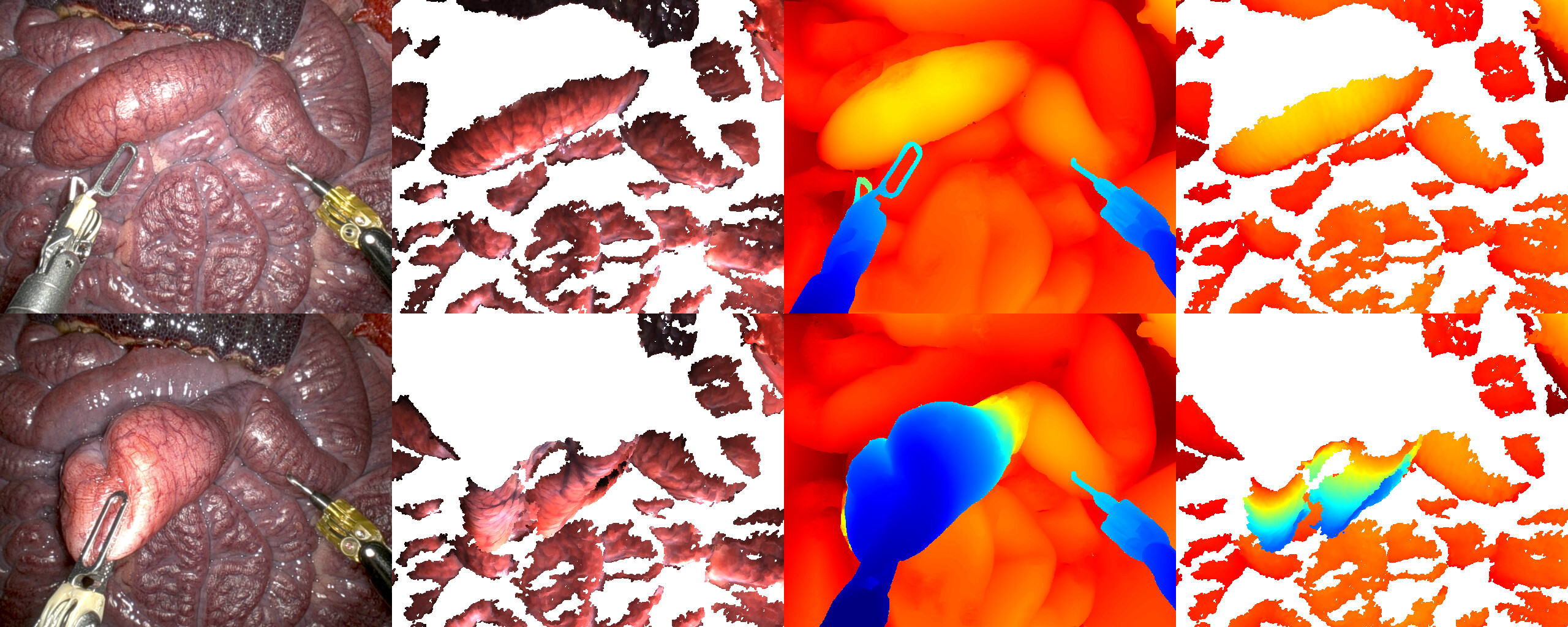
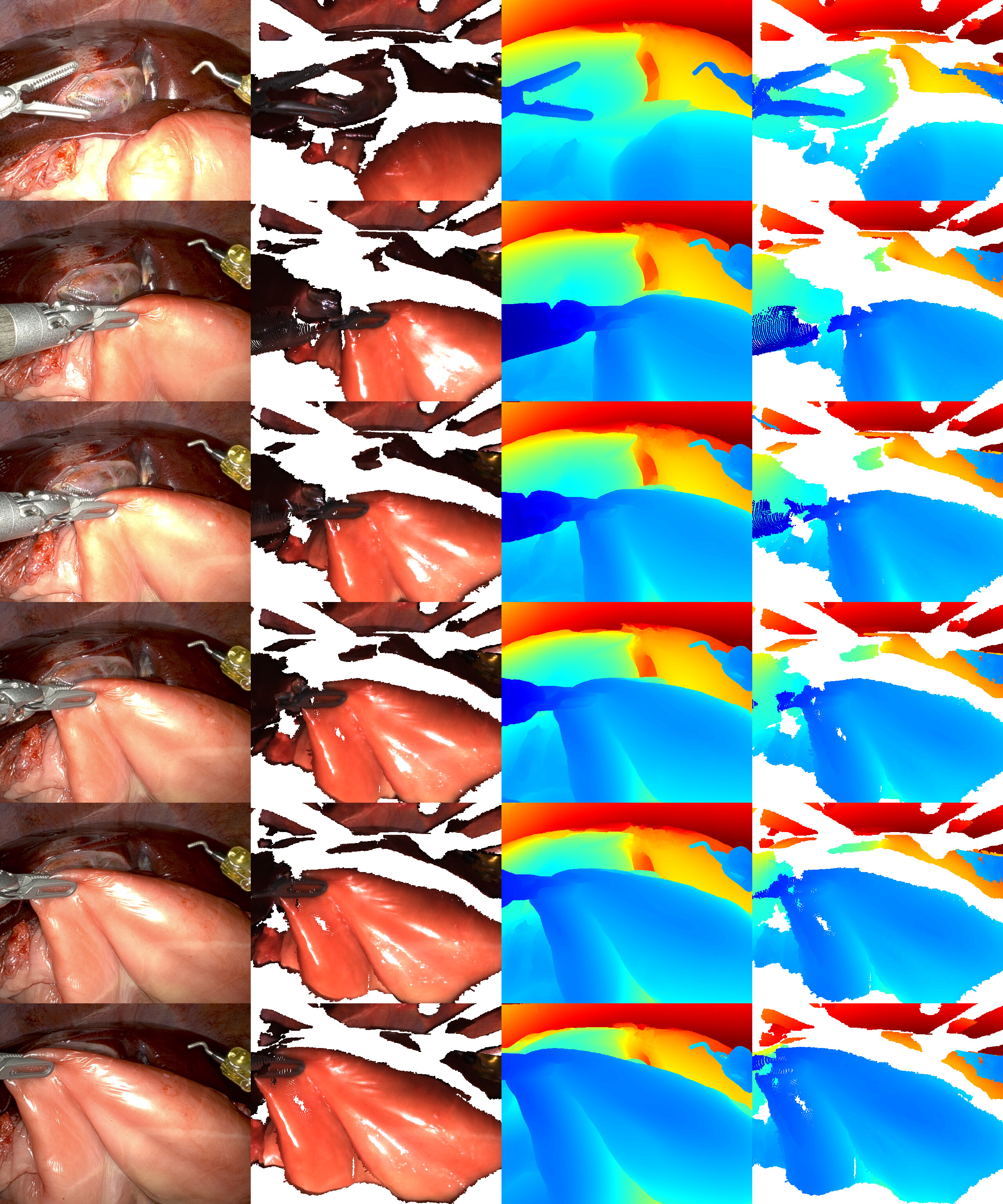
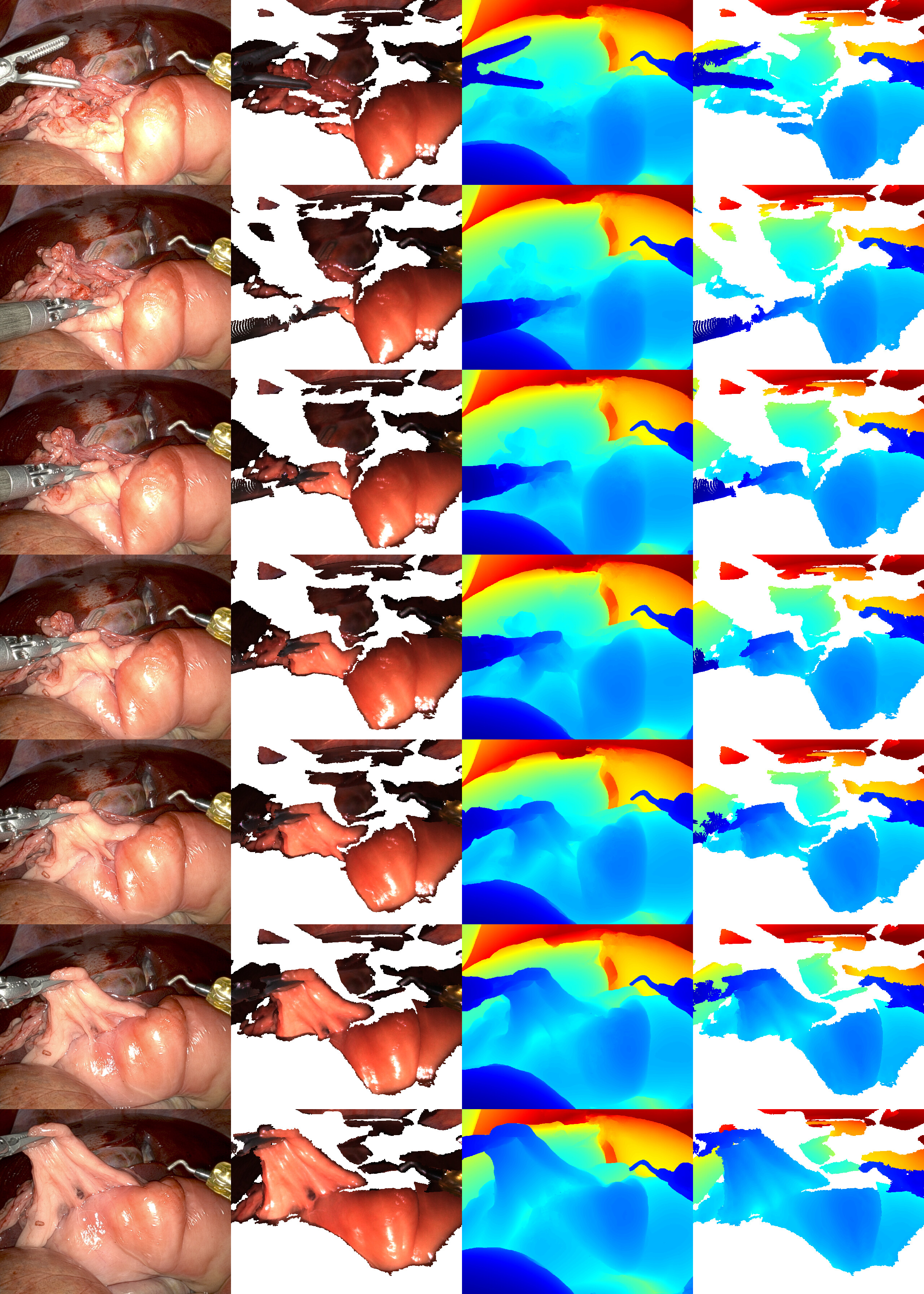
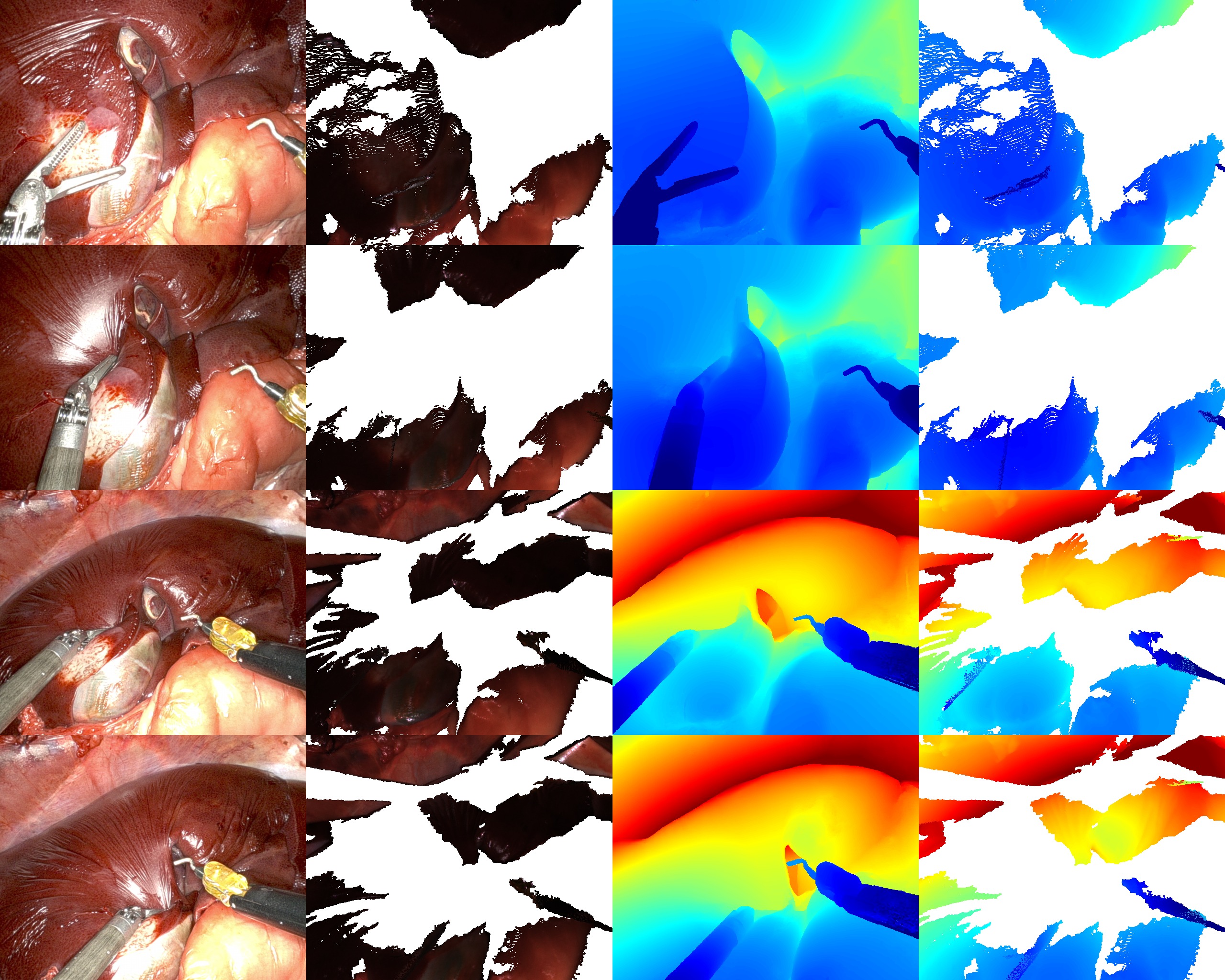
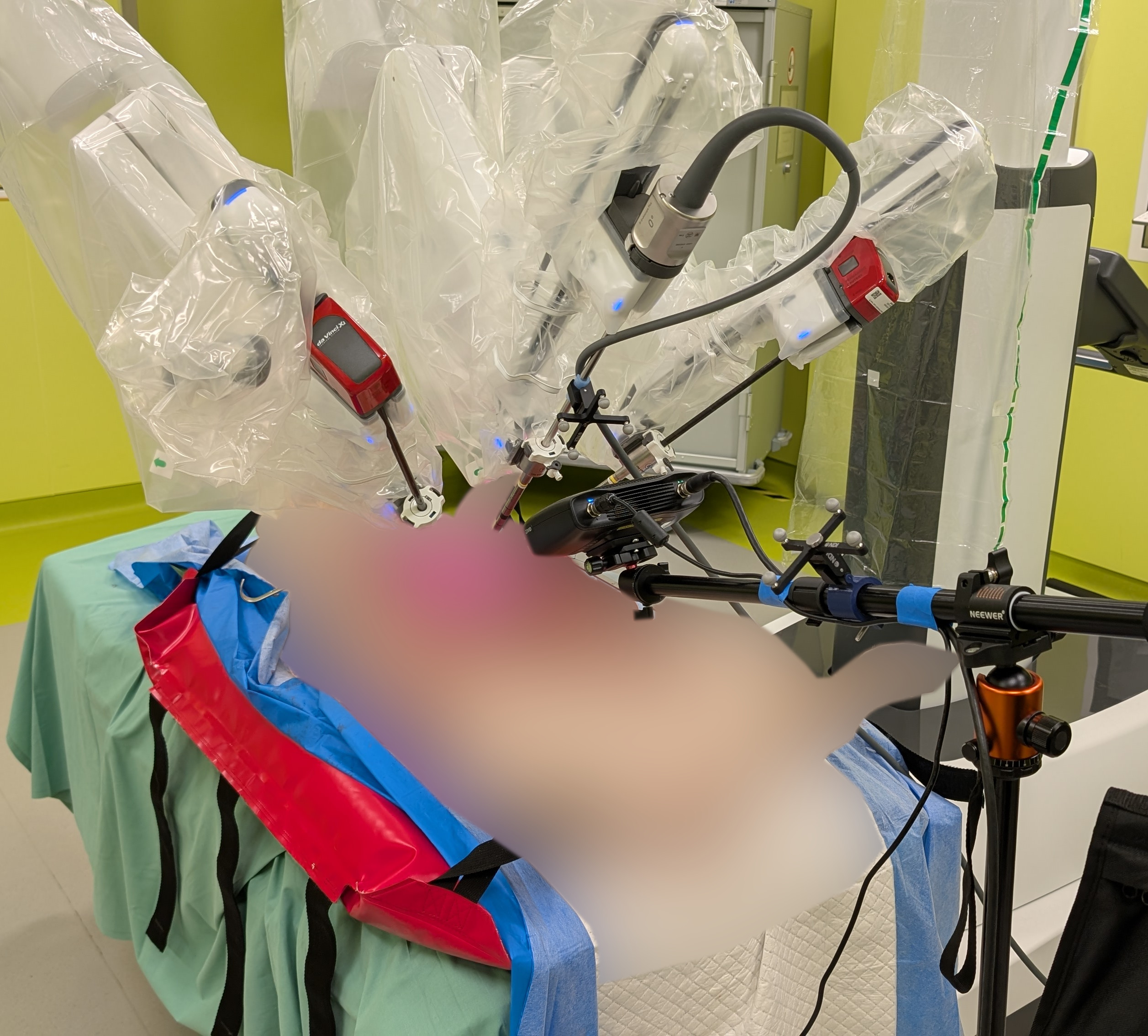
Data were acquired from porcine cadavers using a da Vinci Xi stereo endoscope and a Zivid structured-light camera, registered via optical tracking. The dataset enables quantitative geometric evaluation of 3D reconstruction in both visible and occluded regions.

Sample Sessions

The dataset follows a three-level hierarchy: each Specimen (one porcine cadaver) contains one or more Sessions (continuous recordings, named by date and time), and each Session contains one or more Clips (the individual tissue-manipulation segments). Each slide below is one Session, and every Session holds one or more Clips with paired endoscopic video and structured-light geometry.

Installation

Requires Python 3.10

pip install -e .

Usage

from d4d.loader import D4D
from visualize import visualize_clip_state

# Load dataset
d4d = D4D("/path/to/preprocessed_restructured")

# Iterate: Dataset → Specimen → Session → Clip
for specimen in d4d:
    for session in specimen:
        for clip in session:
            print(f"{clip.name}: {len(clip.left_img_paths)} images, {clip.duration:.1f}s")

# Access specific clip
specimen = next(iter(d4d))
session = next(iter(specimen))
clip = next(iter(session))

# Clip properties
clip.left_img_paths          # List of left image paths
clip.right_img_paths         # List of right image paths
clip.stereo_depth_paths      # List of depth map paths
clip.pointclouds             # Dict with 'start'/'end' Zivid PLY paths
clip.endoscope_params        # Endoscope camera parameters
clip.zivid_params            # Zivid camera parameters
clip.poses                   # Dict with 'start'/'end' curated camera poses

# Visualize with curated poses
if clip.pointclouds.get('start') and clip.left_img_paths and clip.stereo_depth_paths:
    visualize_clip_state(
        clip.pointclouds['start'],
        clip.left_img_paths[0],
        clip.stereo_depth_paths[0],
        clip.endoscope_params,
        clip.poses['start']
    )

Dataset Structure

The dataset is organised by the Specimen / Session / Clip hierarchy. Session-level folders hold the full unrectified images, while clip-level folders hold the rectified, per-clip data.

d4d_dataset/ └── specimen_1/ # a Specimen (one porcine cadaver) └── 2025_03_06-16_49_40/ # a Session (continuous recording) ├── clips.json # per-clip start/end frames and point clouds ├── camera_info/ # specimen-level calibration ├── pointcloud/ # structured-light point clouds ├── tf/ # tracked transforms (Polaris) ├── left_images/ # session-level UNRECTIFIED endoscope images ├── right_images/ ├── depth_images/ # structured-light depth images ├── color_images/ # structured-light colour images ├── snr_images/ # structured-light SNR images ├── masks/ └── clips/ └── Clip_1/ # a Clip (one tissue-manipulation segment) ├── Clip_1.mp4 # clip preview video ├── left_images_rect/ # clip-level RECTIFIED endoscope images ├── right_images_rect/ ├── left_images_rect_masks/ ├── stereo_depth/ # stereo depth maps (.npy, metres) ├── zivid_images/ # structured-light start/end captures ├── zivid_masks/ # manual instrument masks ├── curated_camera_pose_start.txt ├── curated_camera_pose_end.txt ├── pose_bounds.npy # LLFF-format camera poses and bounds └── camera_info/
Dependencies

numpy opencv-python PyYAML open3d trimesh tqdm